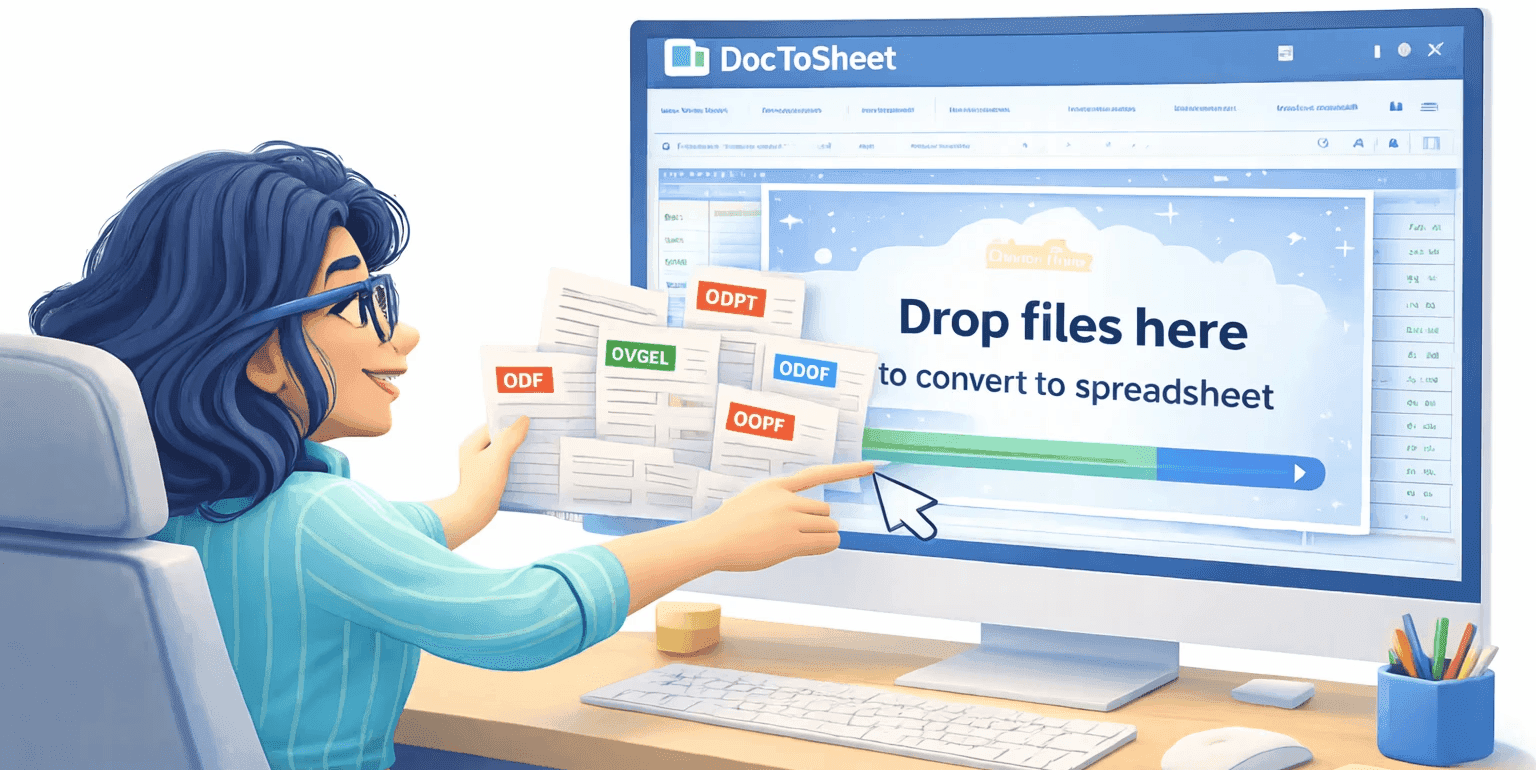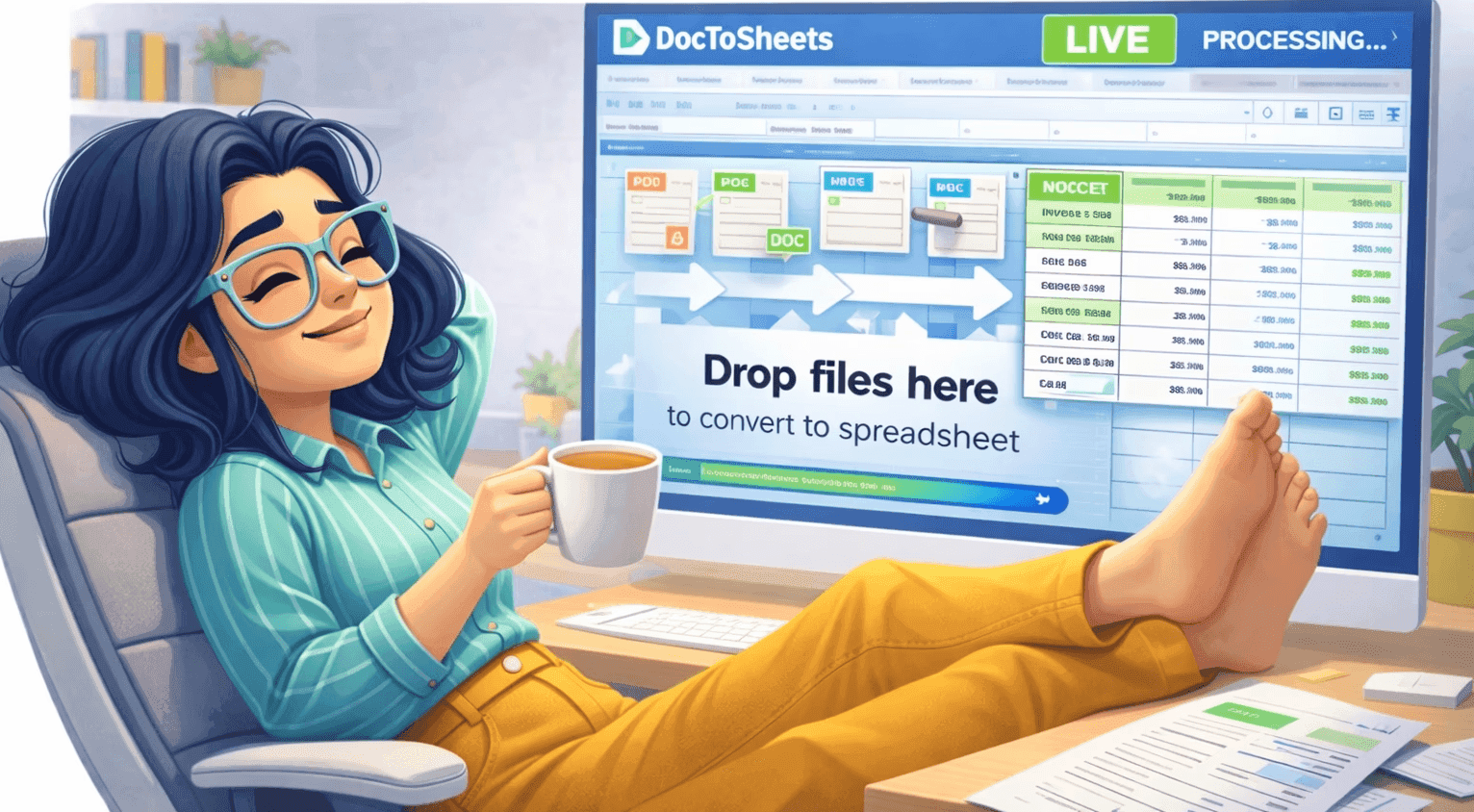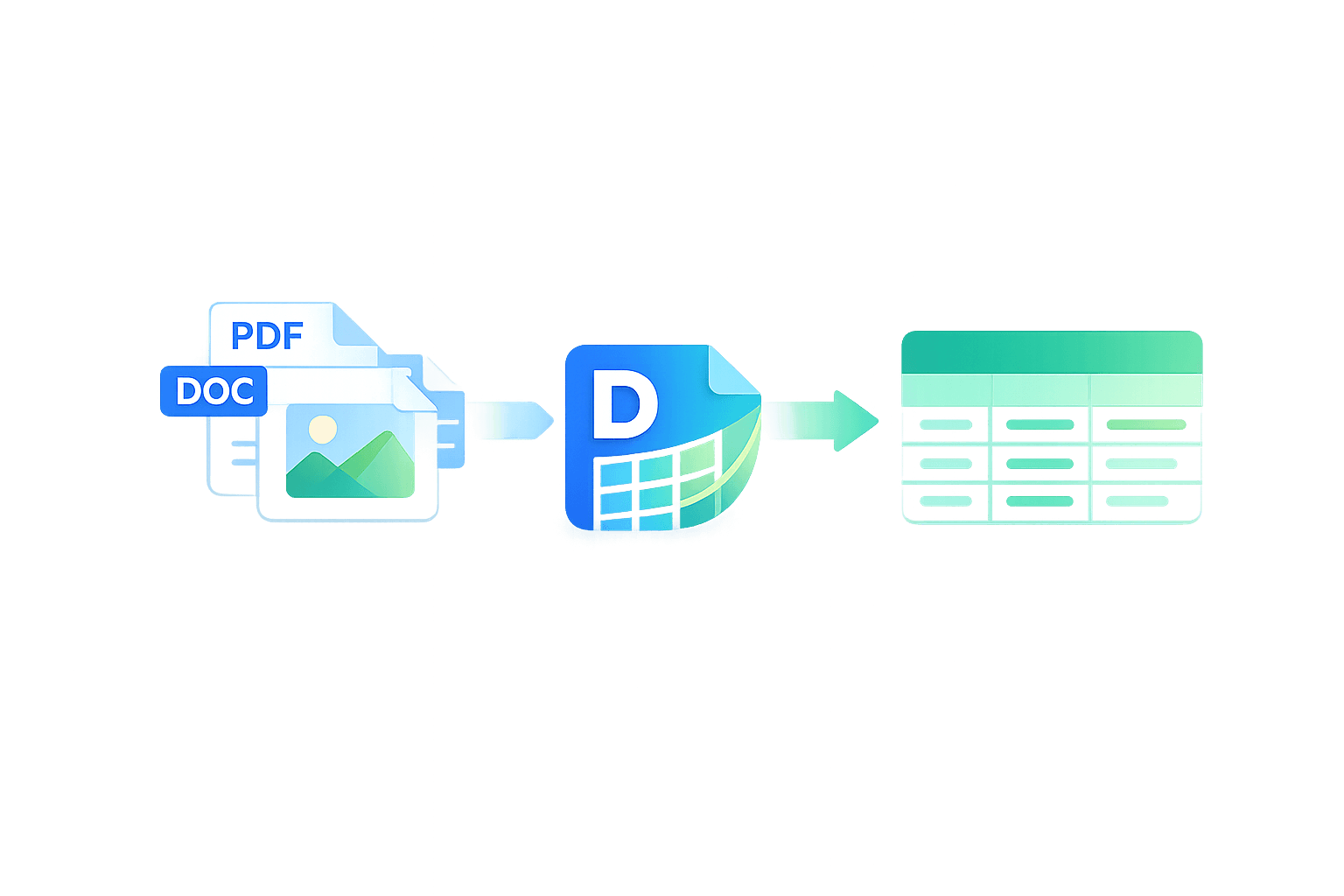
Turn documents into spreadsheet rows.
Automatically.

Turn messy documents into clean spreadsheet rows.
Automatically.

Free setup

No change to your workflow — just faster

Works with unlimited Spreadsheets

Replace hours of spreadsheet copy-pasting with one upload.

Used by teams processing real business documents

Used by teams processing real business documents

Invoices, work orders, estimates, contracts and more.

Invoices, work orders, estimates, contracts and more.

How it works

How it works

From PDFs and Word docs to live spreadsheet rows in three steps.

Step 1

Connect your sheet.

Share your Google Sheet with our service account email and paste the sheet URL. Choose the tab we should write to.

Step 1

Connect your sheet.

Share your Google Sheet with our service account email and paste the sheet URL. Choose the tab we should write to.

Step 2

Upload sample documents.

Upload a few example documents (invoices, work orders, estimates etc) and we'll ensure the right data is extracted.

Step 2

Upload sample documents.

Upload a few example documents (invoices, work orders, estimates etc) and we'll ensure the right data is extracted.

Step 3

We customise, then you go live.

Our team configures the extraction rules and mapping. Once your template is Live, every new upload is read and written into your sheet in seconds. STOP wasting your time.

Step 3

We customise, then you go live.

Our team configures the extraction rules and mapping. Once your template is Live, every new upload is read and written into your sheet in seconds. STOP wasting your time.

BG
BG

Why teams use DocToSheet

Why teams use DocToSheet

Fix the boring, error-prone part of your work – without changing your spreadsheets.
Automation

Stop re-typing the same data

Turn PDFs and Word docs into rows automatically, so your team stops wasting time copying & pasting.

Automation

Stop re-typing the same data

Turn PDFs and Word docs into rows automatically, so your team stops wasting time copying & pasting.

Automation

Stop re-typing the same data

Turn PDFs and Word docs into rows automatically, so your team stops wasting time copying & pasting.

Accuracy

Catch errors before they cost you

Consistent extraction rules mean fewer typos, missed fields and mis-keyed amounts.

Accuracy

Catch errors before they cost you

Consistent extraction rules mean fewer typos, missed fields and mis-keyed amounts.

Accuracy

Catch errors before they cost you

Consistent extraction rules mean fewer typos, missed fields and mis-keyed amounts.

Accuracy

Catch errors before they cost you

Consistent extraction rules mean fewer typos, missed fields and mis-keyed amounts.

Familiar tools

Keep your existing spreadsheet workflow

No new system to learn – everything lands straight in the Sheet your team already uses.

Familiar tools

Keep your existing spreadsheet workflow

No new system to learn – everything lands straight in the Sheet your team already uses.

Familiar tools

Keep your existing spreadsheet workflow

No new system to learn – everything lands straight in the Sheet your team already uses.

Familiar tools

Keep your existing spreadsheet workflow

No new system to learn – everything lands straight in the Sheet your team already uses.

Teams using DocToSheet say:

Teams using DocToSheet say:

  • “We went from manually keying every invoice line into Sheets to just dragging files into DocToSheet. It paid for itself in the first month.”

    Konrad Hill,

    CEO - KH property group

  • “DocToSheet removed hours of spreadsheet work every week. Our admin team now uploads documents and the rows appear instantly.”

    Sue Ratchford

    Hi-Spec Solutions

  • “Instead of copying data from documents into spreadsheets all day, our team now uploads files and lets DocToSheet handle the extraction.”

    THG

    Data Administration Team

  • “DocToSheet replaced one of the most boring parts of our workflow. Documents go in and clean spreadsheet rows come out.”

    Ruth Watkins

    Caroo Ltd

  • “We went from manually keying every invoice line into Sheets to just dragging files into DocToSheet. It paid for itself in the first month.”

    Konrad Hill,

    CEO - KH property group

  • “DocToSheet removed hours of spreadsheet work every week. Our admin team now uploads documents and the rows appear instantly.”

    Finance Manager

    Hi-Spec Solutions

  • “Instead of copying data from documents into spreadsheets all day, our team now uploads files and lets DocToSheet handle the extraction.”

    THG

    Data Administration Team

  • “DocToSheet replaced one of the most boring parts of our workflow. Documents go in and clean spreadsheet rows come out.”

    Ruth Watkins

    Caroo Ltd

Simple, usage-based pricing

Simple, usage-based pricing

Simple, usage-based pricing

Plans start from £9.99/month for up to 50 documents.Scale as your document volume grows. Free setup included.

Starter

£9.99 / month

50 documents

Team

£24.99 / month

150 documents

Scale

59.99 / month

500 documents

After payment, we'll set up your account and have you live within 1 business day.

After payment, we'll set up your account and have you live within 1 business day.

After payment, we'll set up your account and have you live within 1 business day.

Frequently asked questions

Frequently asked questions

What is DocToSheet?

DocToSheet transforms the key info from your documents into Google Sheets rows, reducing manual work.

What kinds of documents can DocToSheet handle?

Do you store our documents or data?

How long will it take to get setup?

What if my documents don't all look the same?

Can multiple spreadsheets and tabs be connected?

How accurate is DocToSheet?

Ready to stop copy-pasting into sheets?

Ready to stop copy-pasting into sheets?

Upload Documents. Get spreadsheet rows.

Free setup

Flexible pricing

Works with unlimited spreadsheets

Upload Documents. Get spreadsheet rows.

No setup. No integrations. Just drag and drop.

Upload Documents.

Get spreadsheet rows.

No setup. No integrations. Just drag and drop.

Copyright © 2026 All rights reserved DocToSheet.